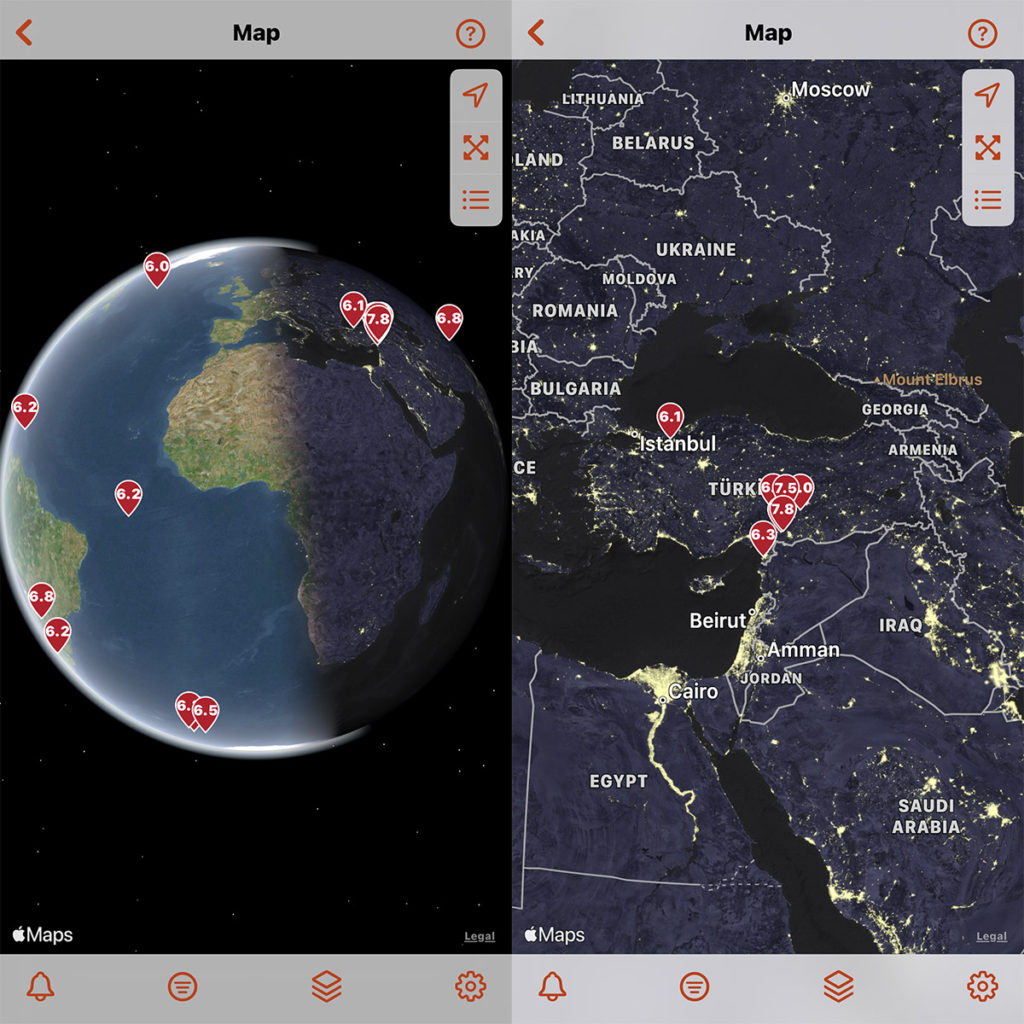
World Imagery basemap transforms into a 3D globe when zoomed out! (iOS 16 and higher)
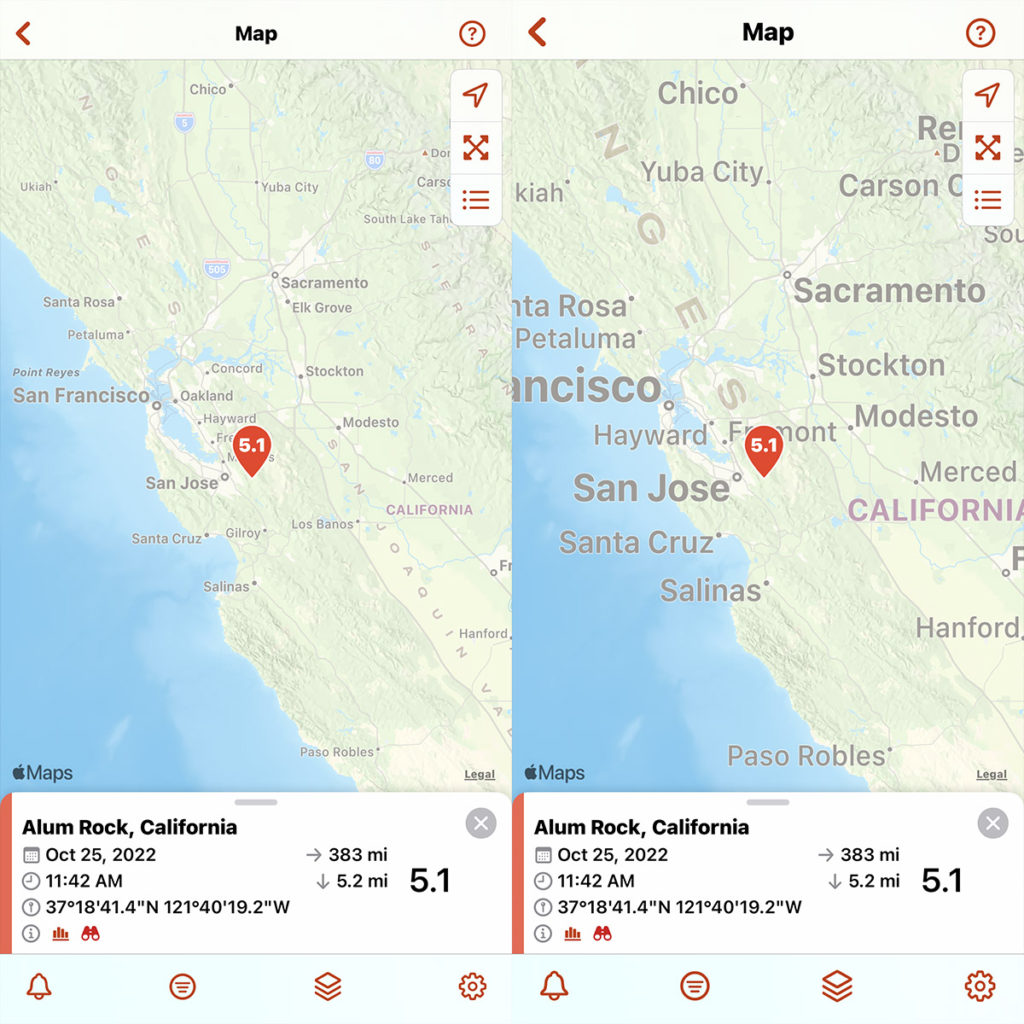
Map labels for the Streets and World Imagery basemaps will adjust to the text size and language settings for your device.
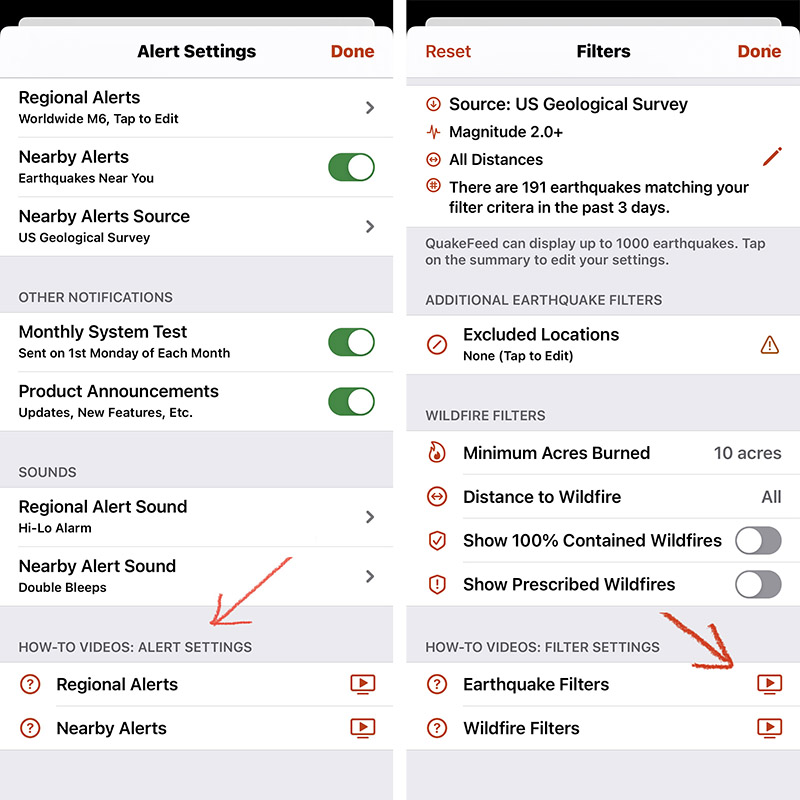
Videos to help you learn how to use QuakeFeed, located at the bottom of the Alert Settings, Filter Settings, Map Settings, and Sort screens. Links to each video are also included at the end of this post.
Also in This Update:
- Redesigned data feed and filters screen.
- Filter setting to show/hide 100% contained wildfires.
- Filter setting to show/hide Prescribed Fires.
- Plate lines and faults are in separate map layers.
- Manage your subscription from the Settings screen.
This was a major update! We have tested it thoroughly, but there is always a chance that there will be some bugs. If you have any feedback or notice any problems, please tap the ? in the top right corner, then tap Ask to send us a support request.
Please also consider rating and reviewing QuakeFeed in the App Store app, to help others discover the QuakeFeed app. Thank you, and we hope you and your family stay safe!
How-To Video Links
To increase video quality, tap the settings button in the YouTube Player.
To view full screen, tap the expand button, then zoom in.
How-To Customize Regional Alerts
How-To Enable Nearby Alerts
How-to: Change Basemaps
How-to: Map Layer Options
How-to: Earthquake Data Source & Filters
How-to: Wildfire Filters
How-to: Sort Earthquake List
How-to: Sort Wildfire List