Historical Earthquake Data Feeds
Earthquake data back to 1900! Satisfy your curiosity about historical earthquake events. What questions do you have?
Where was the epicenter of the 2019 Ridgecrest earthquake?
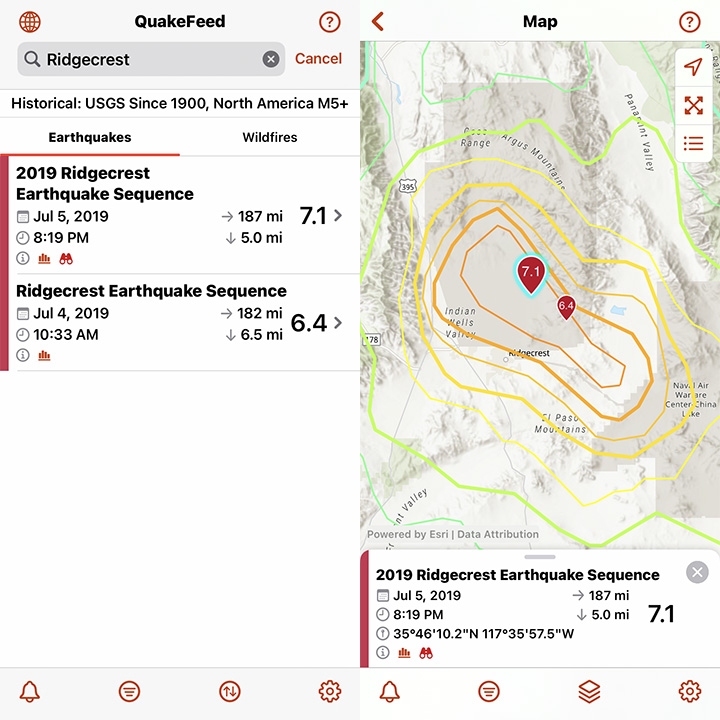
Search filter: “Ridgecrest”
Magnitude filter: M6+
What was the biggest earthquake of all time?

Sorted by: Magnitude
How strong was the shaking during the 1906 San Francisco earthquake?

Search filter: “San Francisco”
How to Access the Historical Data Feeds
1) Tap the second button from the bottom left.

2) Tap on Data Feed.

3) Select a Historical Data Feed. This is a Premium-only feature that you can unlock and try FREE for 30 days!

Global Faults Data!
QuakeFeed has expanded its database of earthquake faults. As you zoom into the map, you will notice thin red fault lines appearing in different regions around the world.

PLEASE NOTE: We will continue to search for a database of faults for the Central United States and Eastern United States. Please contact us if you have access to or know where we can acquire these data. Tap the Help button the top right corner, then tap Ask to send us a message.

Charitable Giving Links
We often receive messages from caring members of the QuakeFeed community who want to help people affected by natural disasters. This prompted us to research charities to which you can feel confident giving. We have identified four charities so far: World Central Kitchen, Center for Disaster Philanthropy, World Food Program, and UNICEF.
In the QuakeFeed Settings, we have added a Charitable Giving page that includes links to the websites for these charities. In the Help section, we have also added an article titled How Can I Donate to People in Need.

We will keep these pages updated with new suggestions for ways to help. We encourage you to check out the charities listed there and also to research them on Charity Navigator. And if you do decide to make a donation, then we would love to know about it!
PLEASE NOTE: If you have a charity suggestion, or if you would like to partner with us on fundraising, please let us know! Tap the Help button the top right corner, then tap Ask to send us a message.
New in QuakeFeed v5.2
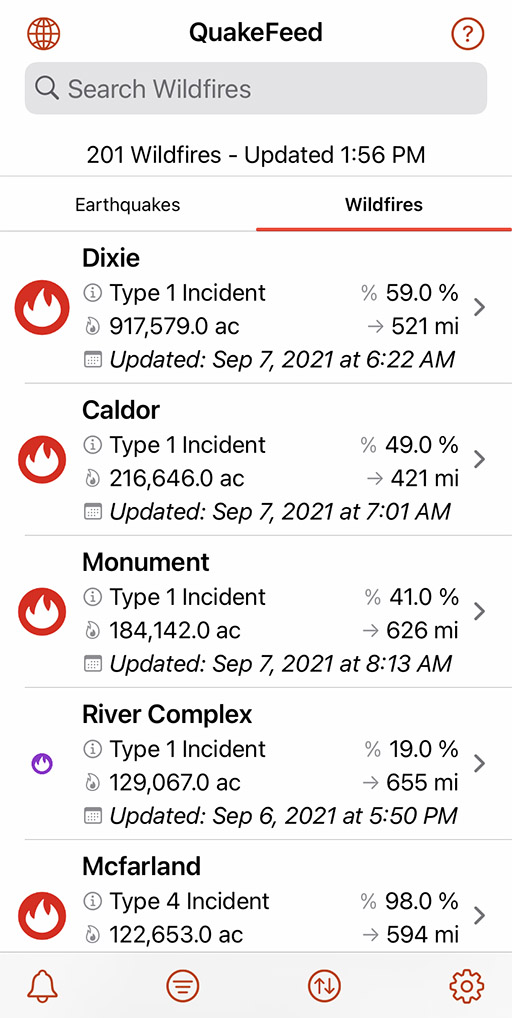
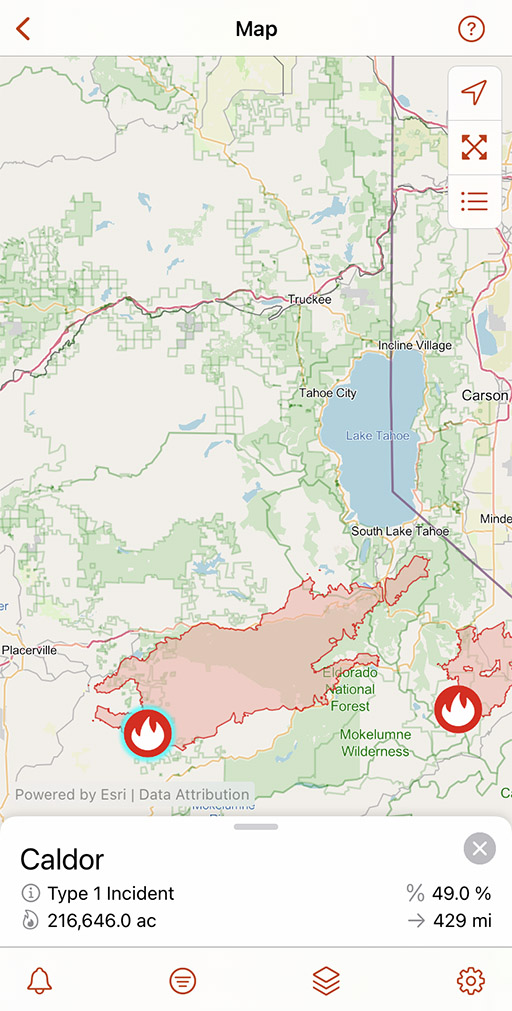
Wildfire List View
Premium-only feature
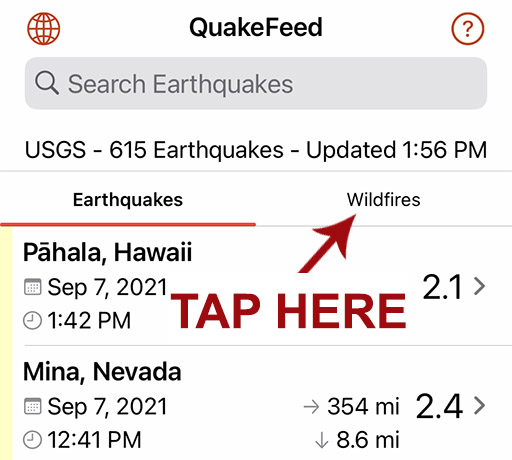
Tap the headings at the top of the list to toggle between the Earthquake and Wildfire lists.
In the QuakeFeed Settings, we have added a Charitable Giving page that includes links to the websites for these charities. In the Help section, there is also an article titled How Can I Donate to People in Need.
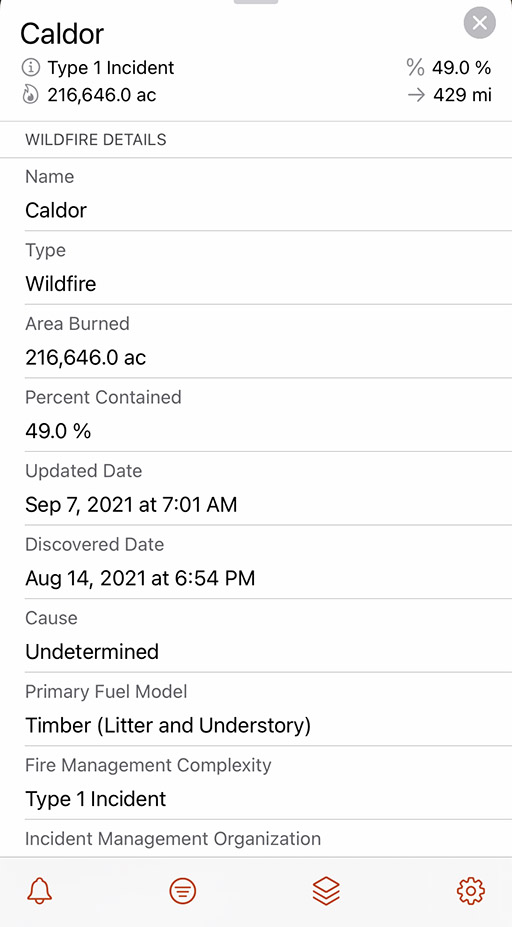
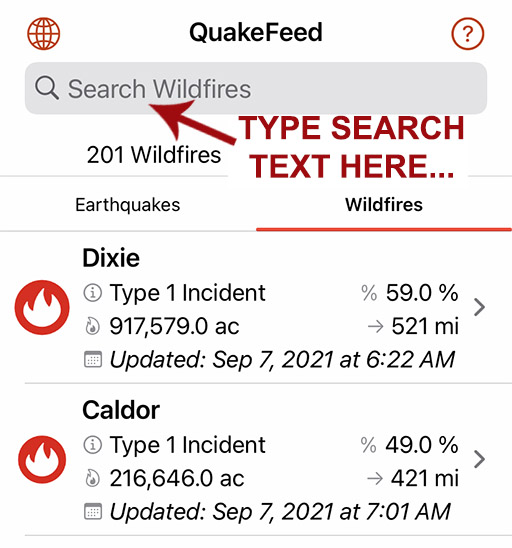
Search Wildfire List
Premium-only feature
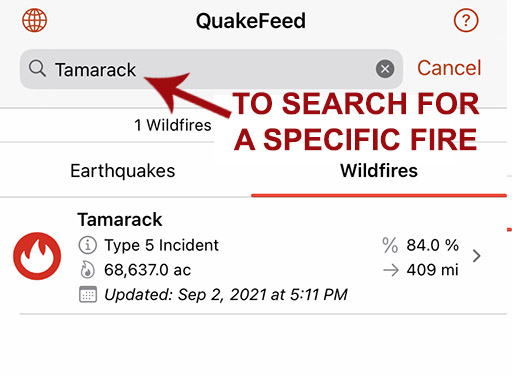
Search for a specific wildfire by name.
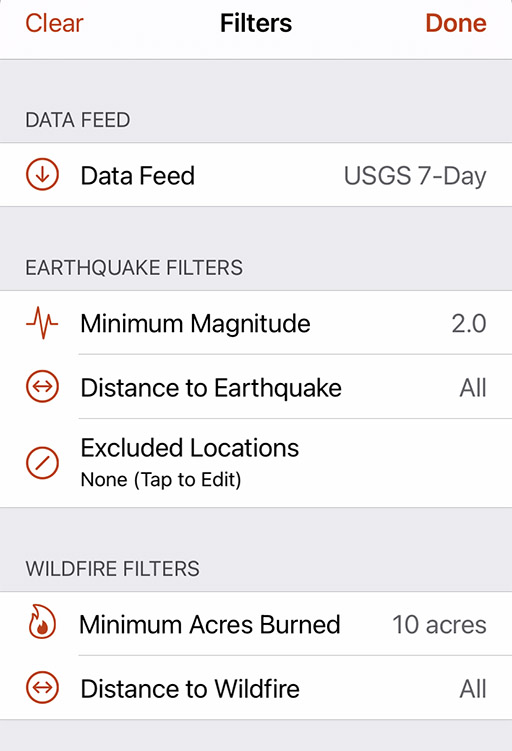
Filter Wildfires
Premium-only feature
Options to filter by Minimum Acres Burned or Distance from your location.
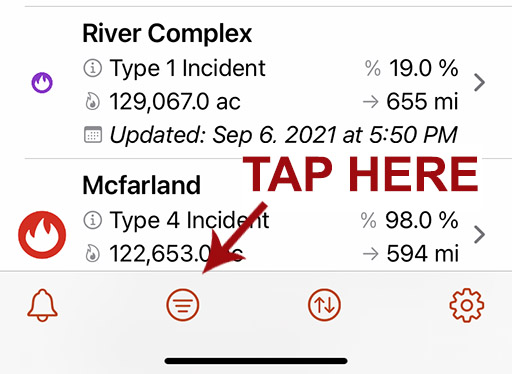
Sort Wildfires
Premium-only feature
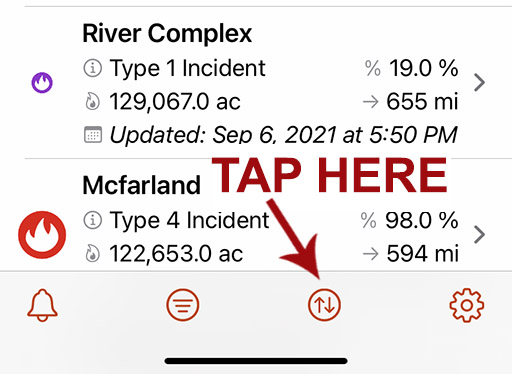
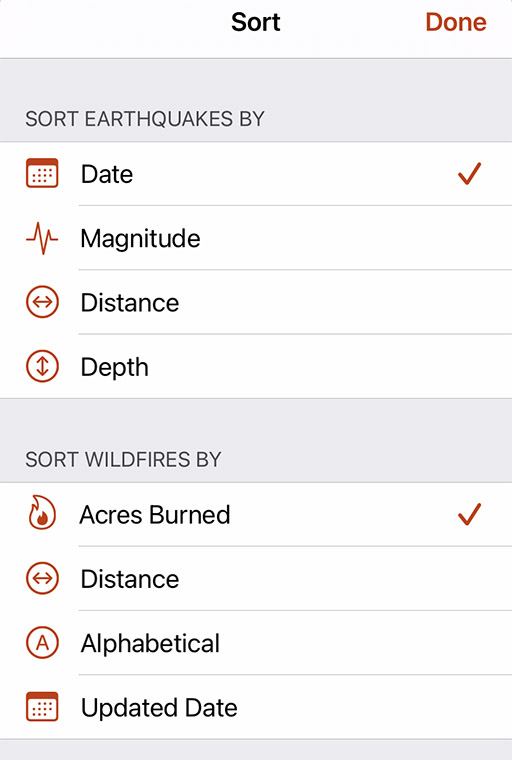
Sort the list by Acres Burned, Distance from your location, Alphabetically by name, or the Updated Date.
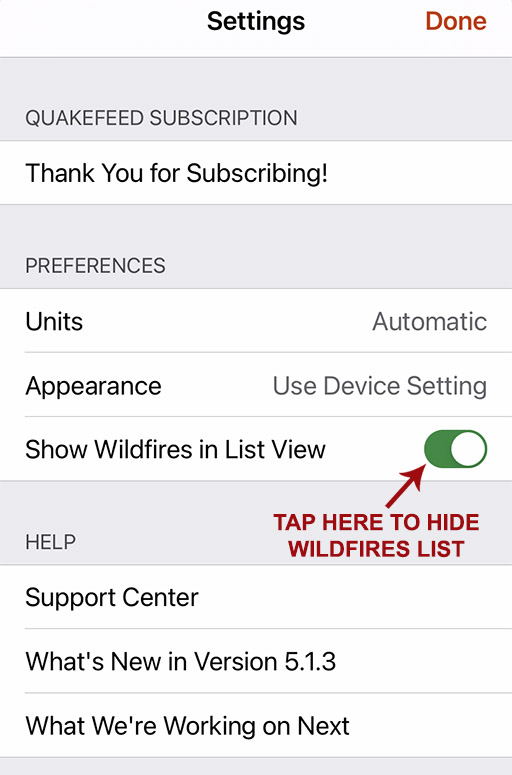
Hide Wildfires
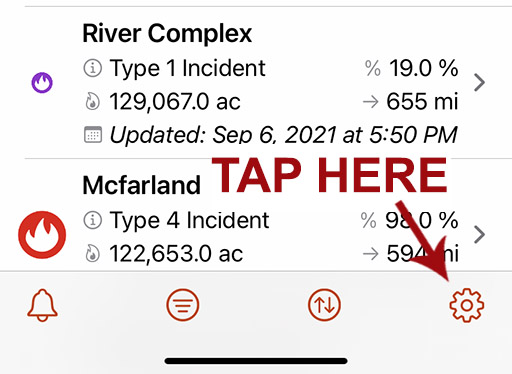
Tap the Settings button (bottom right) then turn off the Show Wildfires in List View setting.
PAGER Info
Earthquake details now include a direct link to the PAGER info on the USGS Website.


OpenStreetMap With Imagery Basemap
We have added a second OSM basemap, a hybrid of satellite imagery plus OSM reference information. Better for viewing earthquakes in Haiti because more towns, roads, bridges, etc are labeled.


Hurricanes Data Layer
Premium-only feature
Includes observed track, forecast track, and forecast cone. Tap a point along the track for more info.
